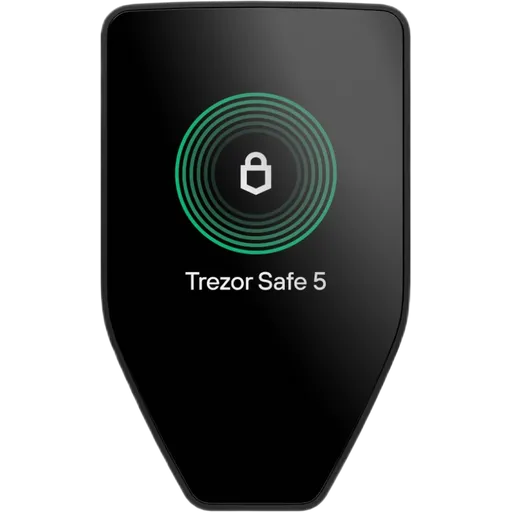
Secure ElementOpen SourceUSB50+ networks
10 in-depth guidesOpen rating formula
Security
Step-by-step security guides for hardware wallet users. PIN setup, passphrase configuration, firmware updates, and operational security. Learn how to implement the defenses — for threat identification, see our Threat Models category.
Owning a hardware wallet is step one. Configuring it correctly is where real security starts. These guides walk you through practical security setup — from initial PIN configuration to advanced passphrase protection — based on hands-on testing of every device we review.
We focus on actionable steps, not theory. Each guide includes specific instructions for major wallet brands (Ledger, Trezor, Keystone, and others), so you can follow along with your actual device.
Not sure which threats you're defending against? Start with our threat model guides first — they'll help you decide which security measures are worth your time based on your specific situation. Then come back here for step-by-step implementation.
Start Here: Essential Security Guides
New to security? Begin with these foundational guides
How to Store Crypto Safely
The complete guide to crypto storage security. From exchange risks to cold storage best practices — protect your assets.
6 min read
Can Hardware Wallets Be Hacked?
Hardware wallets are extremely secure, but not invincible. Understand the real risks and attack vectors.
8 min read
How to Avoid Phishing Attacks
Phishing is the #1 way people lose crypto. Learn to spot fake emails, websites, and apps before they steal your funds.
7 min read
Address Poisoning Attacks Explained
Scammers send tiny transactions to trick you into copying the wrong address. Here's how the attack works.
6 min read
Wallets That Defend Against These Threats
Reading about threats is step one. Step two is choosing a wallet built to handle them.
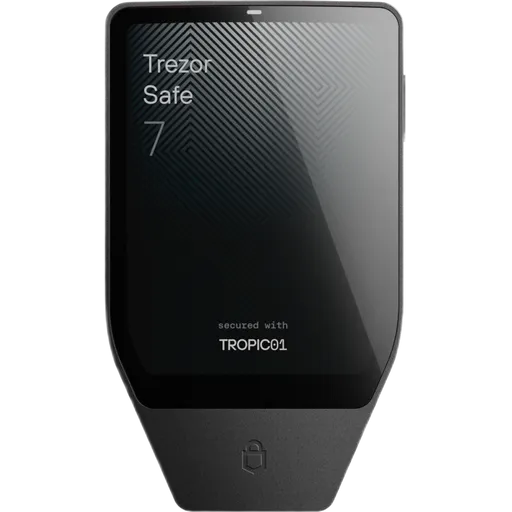
Secure ElementOpen SourceUSBBT50+ networks
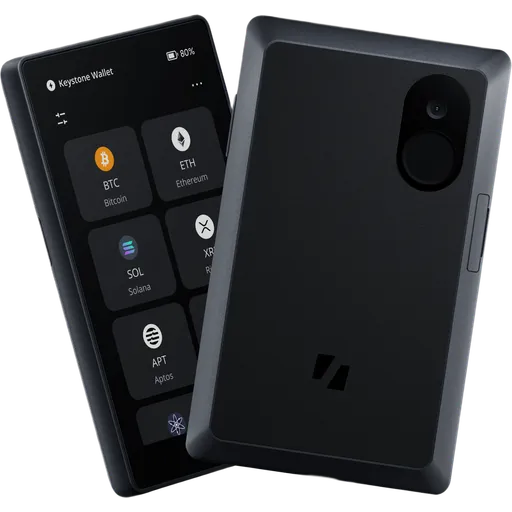
Secure ElementOpen SourceUSBQR41+ networks
We may earn a commission if you buy through our links. This never affects our ratings.
Browse All Security Content
Explore 10 guides curated for security
How to Store Crypto Safely
beginnerThe complete guide to crypto storage security. From exchange risks to cold storage best practices — protect your assets.
6 min read
Can Hardware Wallets Be Hacked?
intermediateHardware wallets are extremely secure, but not invincible. Understand the real risks and attack vectors.
8 min read
How to Avoid Phishing Attacks
beginnerPhishing is the #1 way people lose crypto. Learn to spot fake emails, websites, and apps before they steal your funds.
7 min read
Address Poisoning Attacks Explained
intermediateScammers send tiny transactions to trick you into copying the wrong address. Here's how the attack works.
6 min read
Blind Signing Risks — Why You Should Avoid It
intermediateBlind signing means approving a transaction you can't verify. It's one of the biggest risks in DeFi.
7 min read
Is a Hardware Wallet Really Safe?
beginnerHardware wallets are the safest option for most people — but you can still make mistakes. Here's what to know.
7 min read
How to Verify Your Hardware Wallet Is Genuine
beginnerA tampered or fake hardware wallet can steal your funds. Use this quick checklist to confirm your device is genuine before you trust it with crypto.
3 min read
Crypto Security for Beginners: Complete Guide
beginnerEverything a beginner needs to know about keeping crypto safe — from passwords and phishing to hardware wallets and seed phrases.
8 min read
How to Protect Your Crypto from Hackers
beginnerPractical steps to protect your cryptocurrency from hackers, malware, phishing, and social engineering attacks.
7 min read
Common Crypto Scams in 2025
beginnerScammers stole billions in 2024. Learn the latest tactics — phishing, fake apps, social engineering — and how to avoid them.
8 min read
Explore Other Topics
Complement your security knowledge with these related categories
Threat Models
Learn about different crypto wallet threat models and security risks.
30 guides
Explore
Basics
Learn the fundamentals of crypto wallets and how they work.
9 guides
Explore
Hardware Wallets
Learn about secure, offline storage for your crypto assets.
20 guides
Explore
How We Work
Transparency is our foundation. Here's how we build our Security recommendations.
Every Wallet Verified
Every wallet is rated from verified manufacturer specs and published audits — no pay-for-play listings.
Self-Custody Only
We only review self-custody wallets. Your keys, your crypto.
Documented Attack Vectors
Guides based on real, documented attack vectors — not hypotheticals.
Ratings Recalculated on Change
All ratings update when wallet specs change. See our open methodology.
Frequently Asked Questions
Common questions about Security and hardware wallet security
How do I set up a hardware wallet securely for the first time?
Start in a private environment with a trusted computer. Verify the device packaging is sealed and untampered. During setup: generate your seed phrase on the device itself (never on a computer), write it down on paper or metal — never digitally, set a strong PIN, and verify the device firmware version matches the manufacturer website. Never use a pre-filled seed phrase that came with the device.
Do I need a passphrase in addition to my seed phrase?
A passphrase (sometimes called the 25th word) adds an extra layer of protection. Without it, anyone who finds your seed phrase controls your funds. With a passphrase, the seed phrase alone is useless. The tradeoff: if you forget the passphrase, those funds are permanently lost. Use one if you hold significant value, but store a hint securely and separately from your seed.
How often should I update my hardware wallet firmware?
Update firmware promptly when security patches are released — these fix known vulnerabilities. For feature-only updates, wait a few days to let early adopters find bugs. Always verify the update source (official manufacturer app or website) and ensure your seed phrase backup is accessible before updating, as some updates may reset the device.
Is my hardware wallet safe if my computer has malware?
Hardware wallets are designed to protect your keys even on a compromised computer — the private keys never leave the device. However, malware can still manipulate what you see on screen: it can change destination addresses or transaction amounts. Always verify the recipient address and amount on your hardware wallet screen before confirming any transaction.
Not sure which wallet fits your threat model?
Answer a few questions and get a personalized recommendation based on your security needs and budget.