Hardware wallet software compatibility
Which wallet apps work with which hardware wallet: Sparrow, Electrum, Nunchuk, Specter, BlueWallet, MetaMask and Rabby across 25 devices, each with its source.
- Devices
- 25
- Apps
- 7
- Sources checked
- October 31, 2026
- Supported, with how it connects
- Not supported
- Not confirmed in the app's documentation
- BTC onlyBitcoin-only device; the app is for Ethereum and EVM networks
- Source for the entry
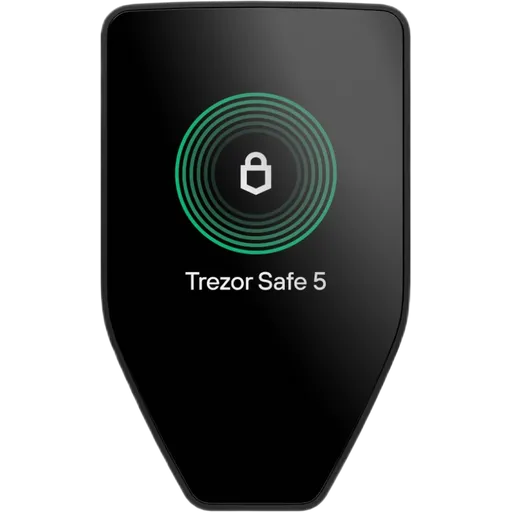
Not confirmed: BlueWallet
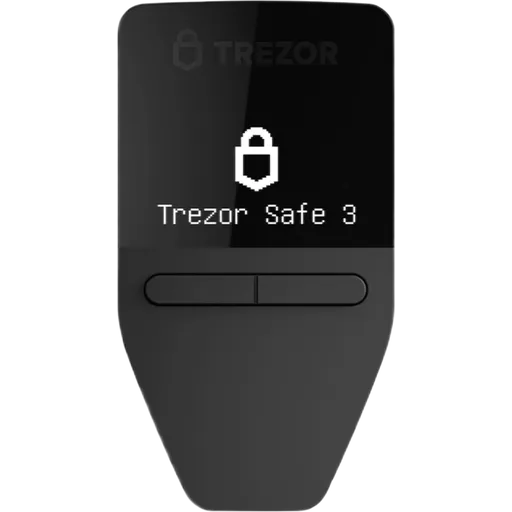
Not confirmed: BlueWallet
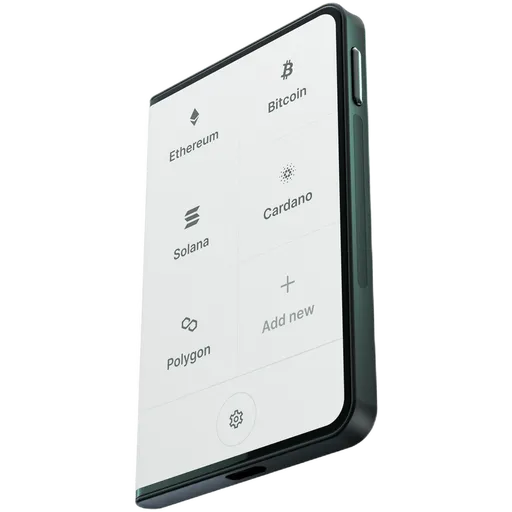
Not confirmed: BlueWallet
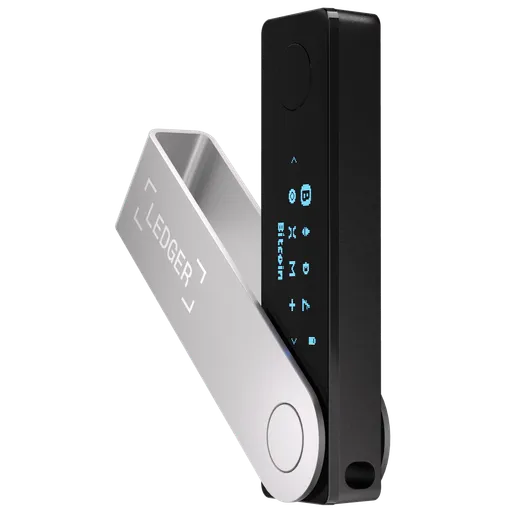
Not confirmed: BlueWallet
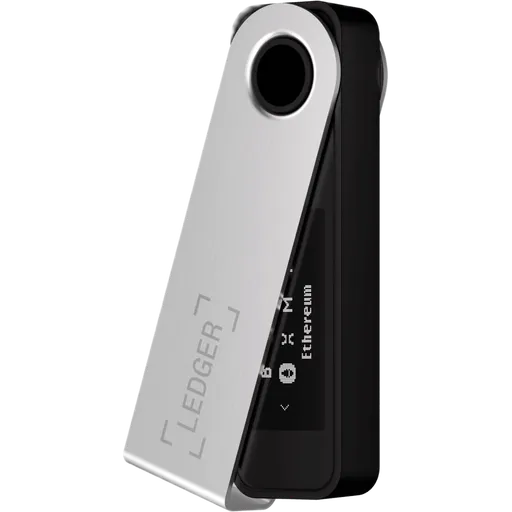
Not confirmed: BlueWallet
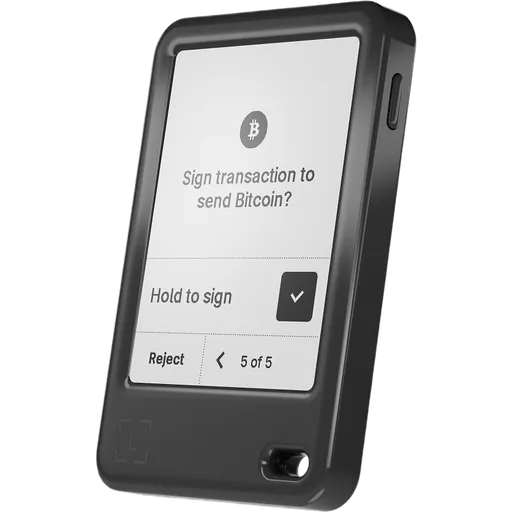
Not confirmed: BlueWallet
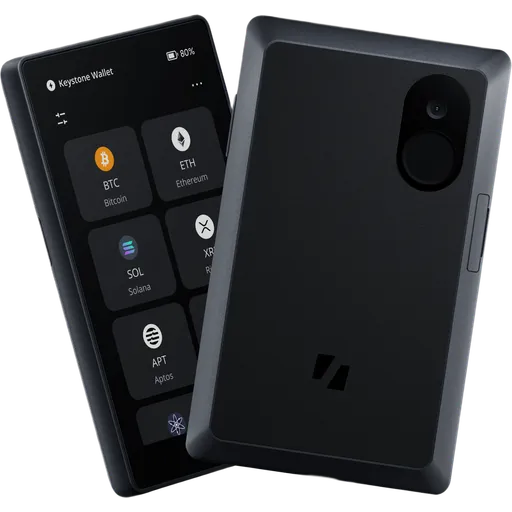
Not confirmed: Electrum, Specter
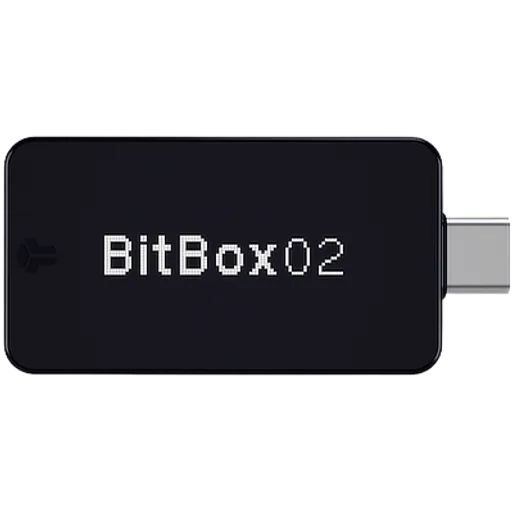
Not confirmed: BlueWallet
 Coinkite Coldcard Mk5
BTC 5/5
 Blockstream Jade Plus
BTC 5/5

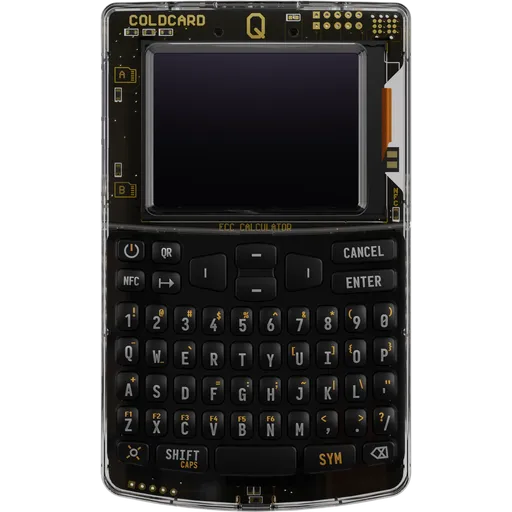 Coinkite Coldcard Q
BTC 5/5
 Blockstream Jade Classic
BTC 5/5
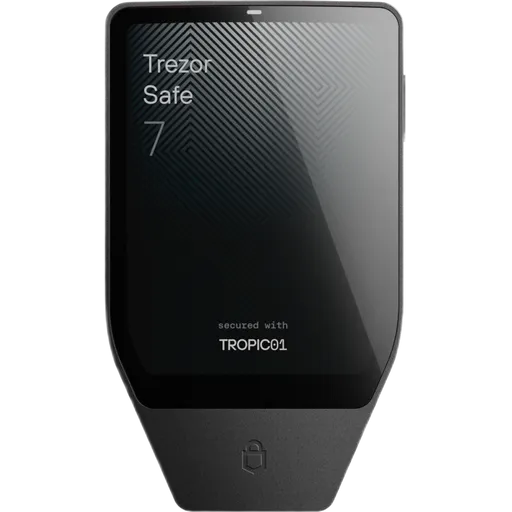
Not confirmed: Nunchuk, Specter, BlueWallet
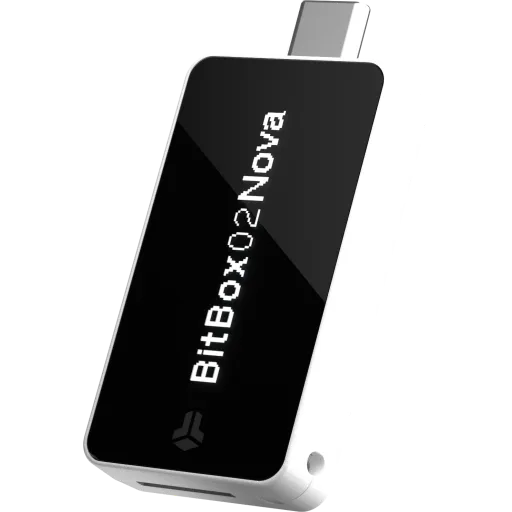
Not confirmed: Specter, BlueWallet
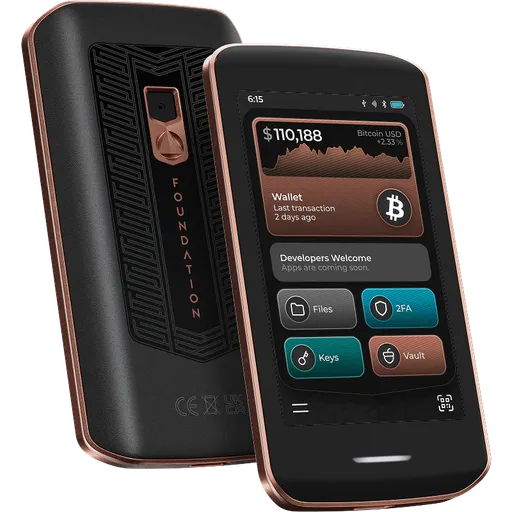
Not confirmed: Specter, MetaMask, Rabby
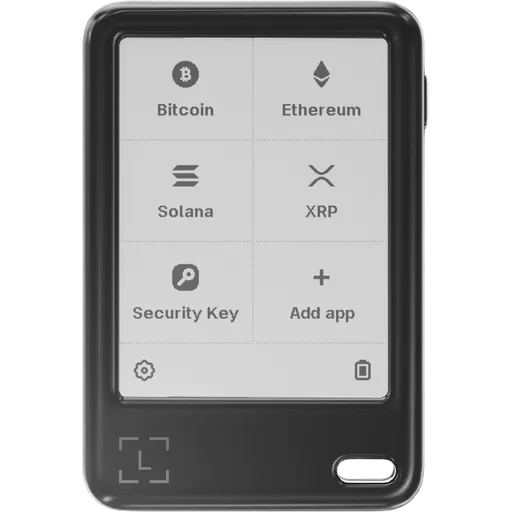
Not confirmed: Nunchuk, Specter, BlueWallet
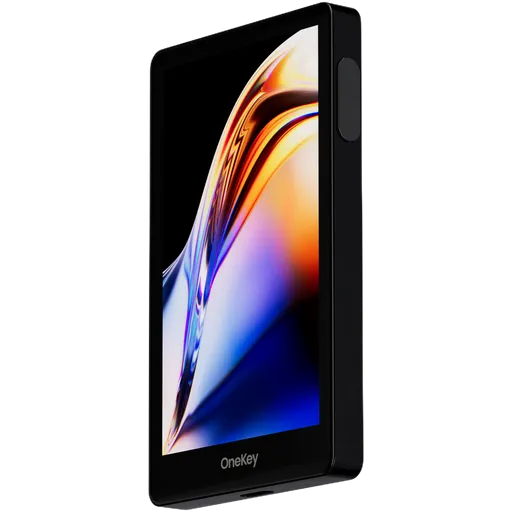
Not confirmed: Electrum, BlueWallet
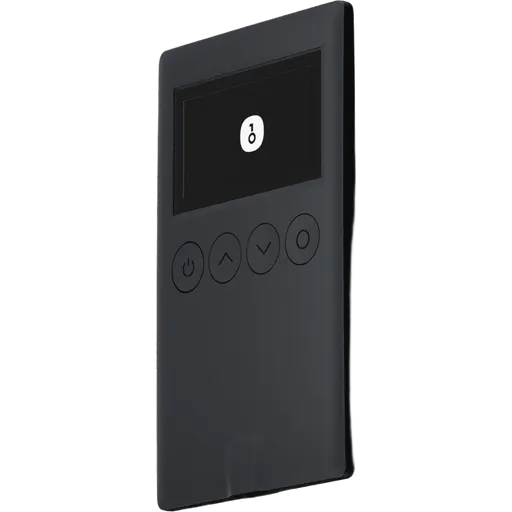
Not confirmed: Electrum, BlueWallet, MetaMask
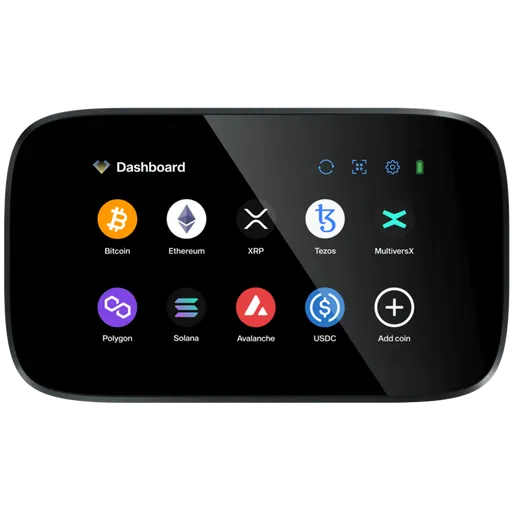
Not confirmed: BlueWallet

Not confirmed: BlueWallet

Not confirmed: Sparrow, Electrum, BlueWallet, MetaMask
Not confirmed: Sparrow, Electrum, BlueWallet, MetaMask
 Blockstream Jade Core
BTC 1/5
Not confirmed: Electrum, Nunchuk, Specter
Not confirmed: BlueWallet, Rabby
No wallet matches these filters.
Used through the maker's own app
None of the apps above lists these 11 devices: you set them up and sign in the maker's app. 10 of them can still connect that app to dApps over WalletConnect. What WalletConnect is
- SafePal app
- Tangem app
- Bitkey appNo WalletConnect
- Cryptnox app
- cySync
- ELLIPAL app
- UKey Wallet
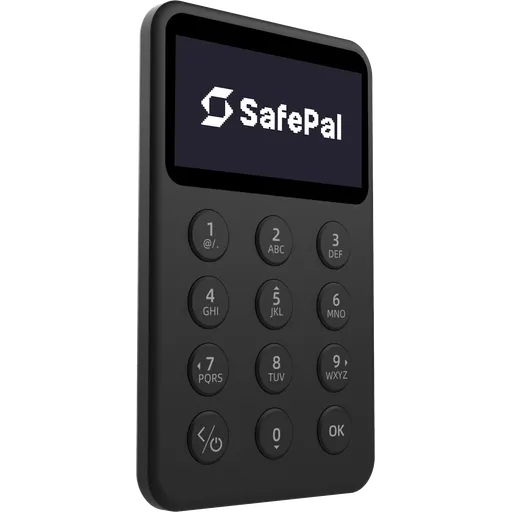 SafePal X1
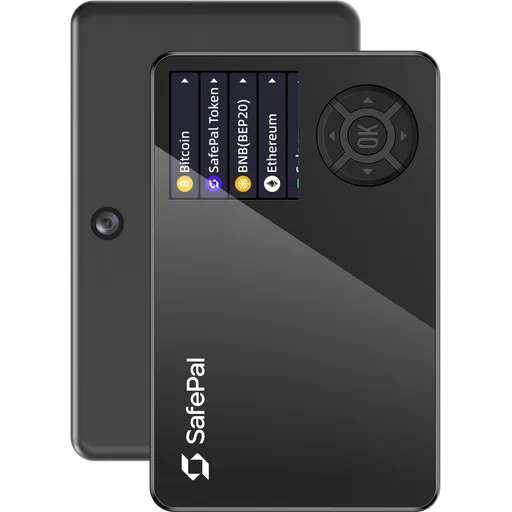 SafePal S1
 SafePal S1 Pro
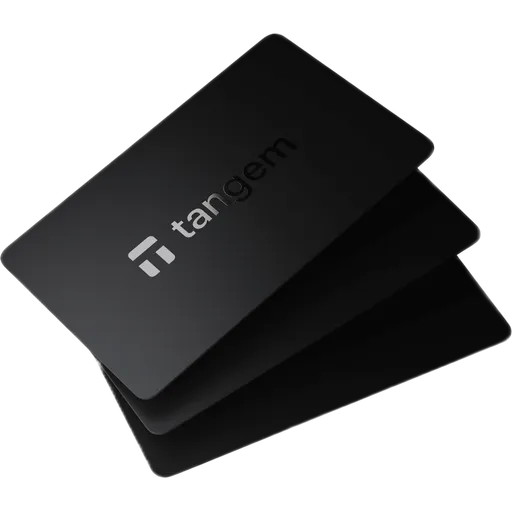 Tangem Wallet (3 Cards)
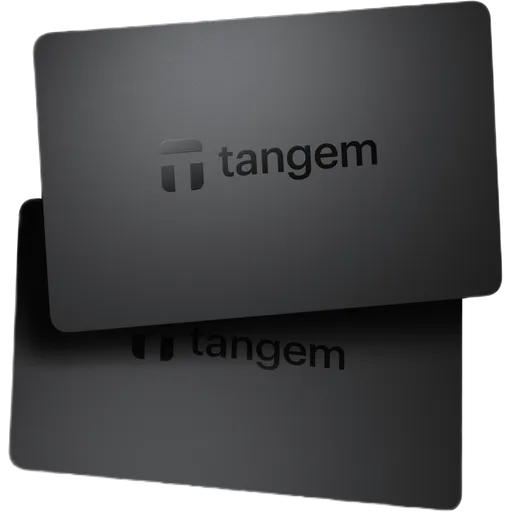 Tangem Wallet (2 Cards)
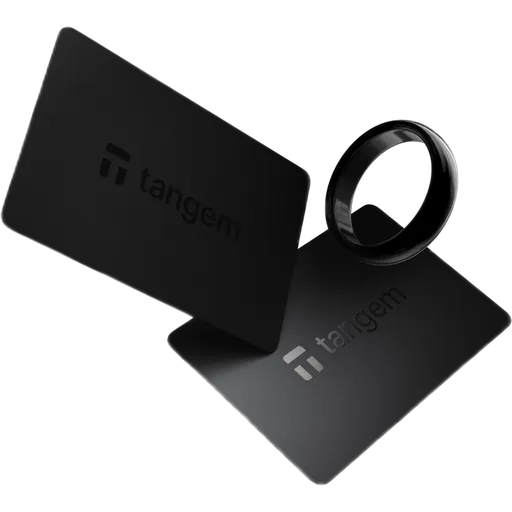 Tangem Ring
 Bitkey
 Cryptnox Hardware Wallet
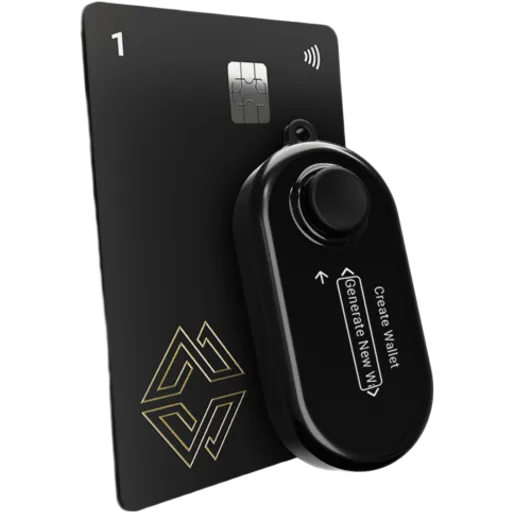 Cypherock X1
 Ellipal X Card
 UKey Core 26
How we check
Many hardware wallets also work with independent wallet apps — Bitcoin apps for coin control, multisig or your own node, and MetaMask or Rabby for Ethereum and EVM networks. The table shows, for each device, whether the app's own documentation, code or the maker's official guide lists it, and how it connects.
For each app we read its documentation, release notes and, where published, its source code (for example Sparrow's list of supported models), plus the hardware maker's official setup guides for that app. A device is marked supported only when one of these sources names it; family statements are noted. Support changes with app and firmware releases — follow the source link before relying on it.
Found an app or device we have wrong? Tell us, with a source